Large screens need distance clarity
Conference audiences view content from far away. Animated QR codes catch attention, while bold contrast keeps scans reliable across the room.
Scan focus
Built for screensQR sized for viewing distance
Clean quiet zone around the code
CTA visible under the QR
Shown for at least 10 seconds
Short URL backup added
Conference screen specs
Optimized for large rooms and stage screens.
Use a full-slide takeover
Dedicate one slide to the QR and CTA.
Ask the audience to scan
Call it out so people know to take action.
Keep the short link visible
Offer a fallback for the back rows.
Size
520-800px
For big LED walls.
Viewing distance
15-30 ft
Scale up for arenas.
On-screen time
15-25 seconds
Allow crowd scanning.
Contrast
High, 2-color
Avoid gradients behind the QR.
Stage screen tips
Make every frame scan-friendly with these tactical tips.
Scale for distance
Increase the QR size for large rooms and stage screens.
Hold the QR longer
Display it for 10 seconds so attendees can scan.
Protect the quiet zone
Keep a clean border around the QR to lock focus.
Avoid busy motion
Place the QR on a stable area of the slide.
Add a backup URL
Give attendees a fallback if they cannot scan.
QR examples
Preview a few styles that work well on screens and social overlays.
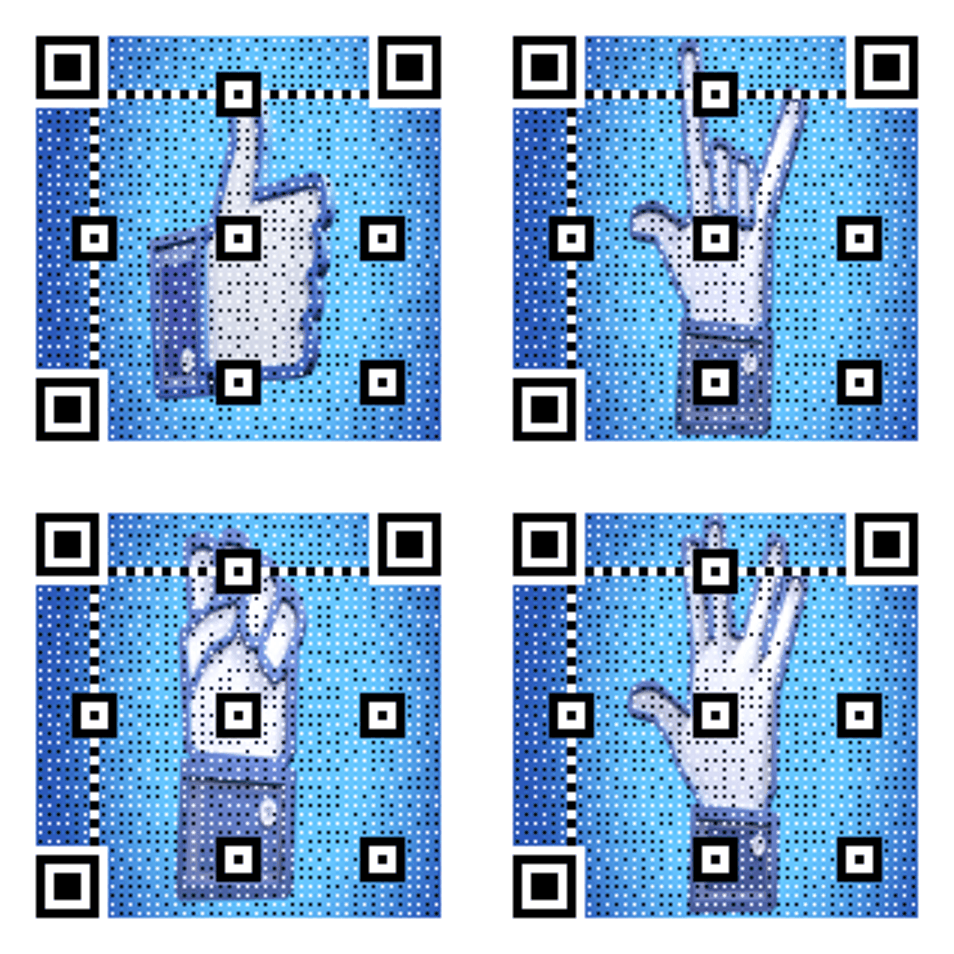
Stage screen CTA
Bold QR for large rooms.

Agenda prompt
High-contrast design for clear scans.

Retro Wave Launch
Soft neon gradient built for video overlays.
Conference CTA copy
Copy-ready overlays that pair perfectly with animated QR codes.
Agenda access
Scan for the full agenda
Keep attendees aligned with the schedule.
Sponsor offer
Scan to claim the sponsor offer
Great for booth traffic.
Speaker deck
Scan for the speaker slides
Share resources instantly.
Frequently asked questions
Answers to the most common animated QR questions.
Build a GIF QR in seconds
Paste a link, pick a GIF style, and download instantly. Guest creation is enabled.
Large screens need distance clarity
Conference audiences view content from far away. Animated QR codes catch attention, while bold contrast keeps scans reliable across the room.
Conference screen specs
Optimized for large rooms and stage screens.
Stage screen tips
Increase the QR size for large rooms and stage screens. Display it for 10 seconds so attendees can scan.
Conference screen checklist
QR sized for viewing distance • Clean quiet zone around the code • CTA visible under the QR
Related pages
Explore more animated QR use cases
Keep building on the screen-first strategy with related guides and templates.
Ready to launch?
Build an animated QR in minutes.