Live moments need quick actions
Viewers do not want to leave the stream. A visible QR lets them take action on a second screen without missing the moment.
Scan focus
Built for screensConsistent placement on overlay scenes
CTA matches current stream segment
QR not covered by alerts
Scan tested on a second device
Link updated for live promos
Livestream overlay specs
Make it readable alongside chat, alerts, and overlays.
Anchor to a static corner
Keep the QR in one place so viewers find it fast.
Call it out on stream
Say the CTA while it is on screen.
Test low bitrate
Scan during lower quality playback too.
Size
260-340px
Scannable on 1080p streams.
On-screen time
8-15 seconds
Repeat every few minutes.
Safe zone
96px margin
Avoid chat and alerts.
Refresh cadence
10-15 minutes
Rotate CTA to refresh attention.
Livestream overlay tips
Make every frame scan-friendly with these tactical tips.
Use a persistent corner
Keep the QR in a consistent spot for easy scanning.
Slow the animation
A calm loop avoids visual fatigue during long streams.
Pair with a verbal CTA
Say the CTA aloud when the QR is on screen.
Avoid chat overlays
Place the QR where chat and alerts will not cover it.
Swap links mid-stream
Dynamic links let you rotate promos in real time.
QR examples
Preview a few styles that work well on screens and social overlays.
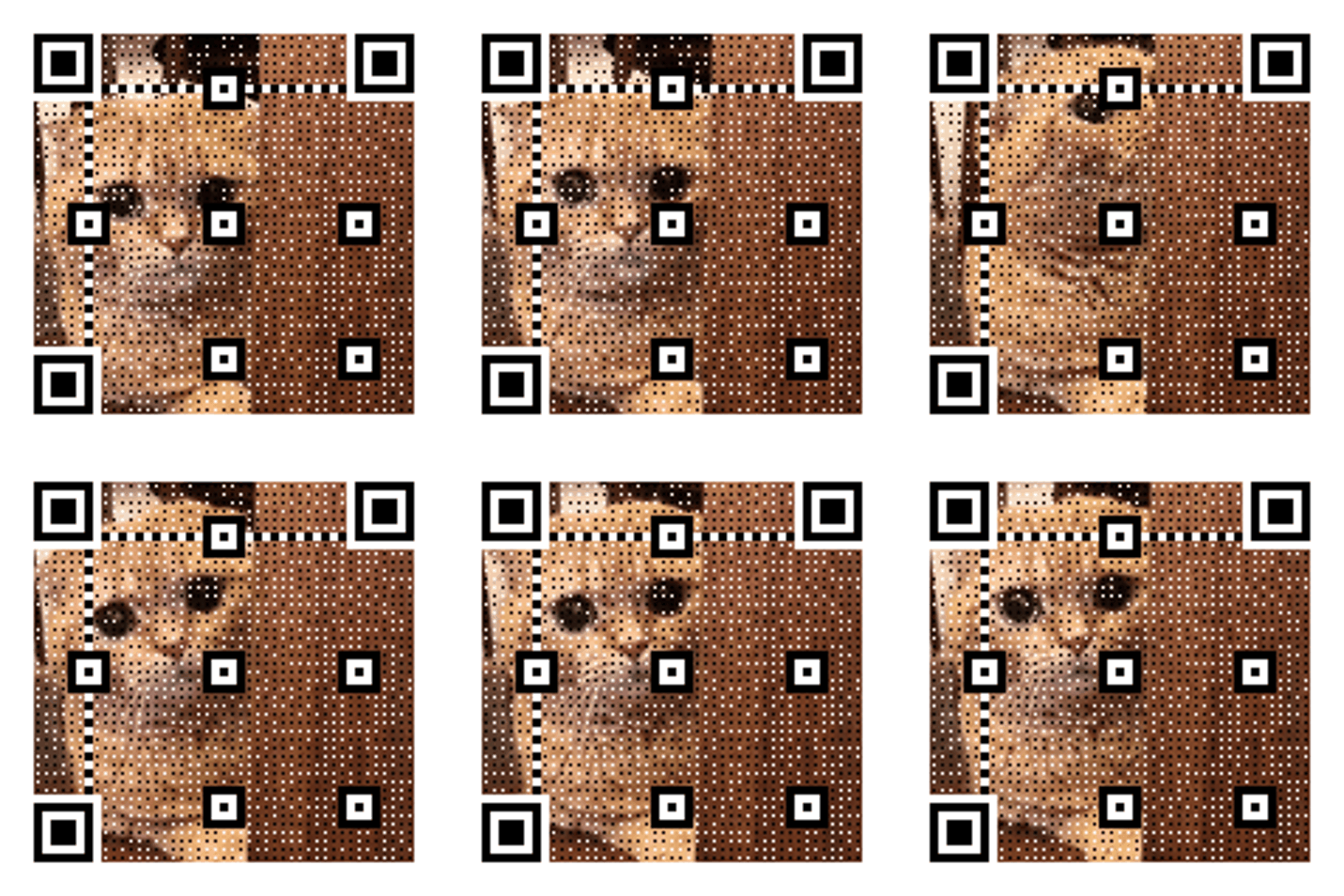
Overlay corner
Low-profile QR for stream scenes.
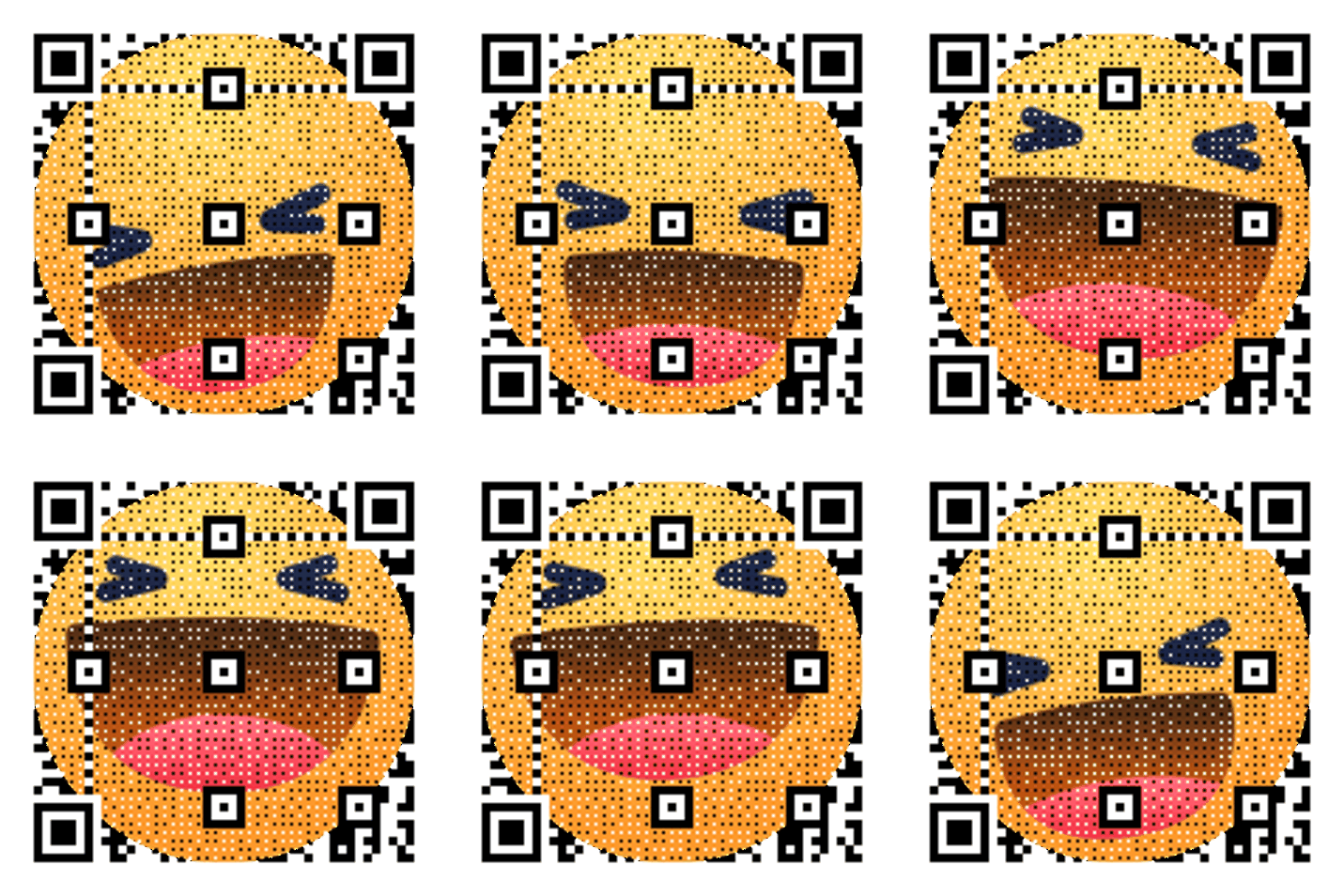
Neon Grid Promo
High-contrast grid that reads cleanly on screens.
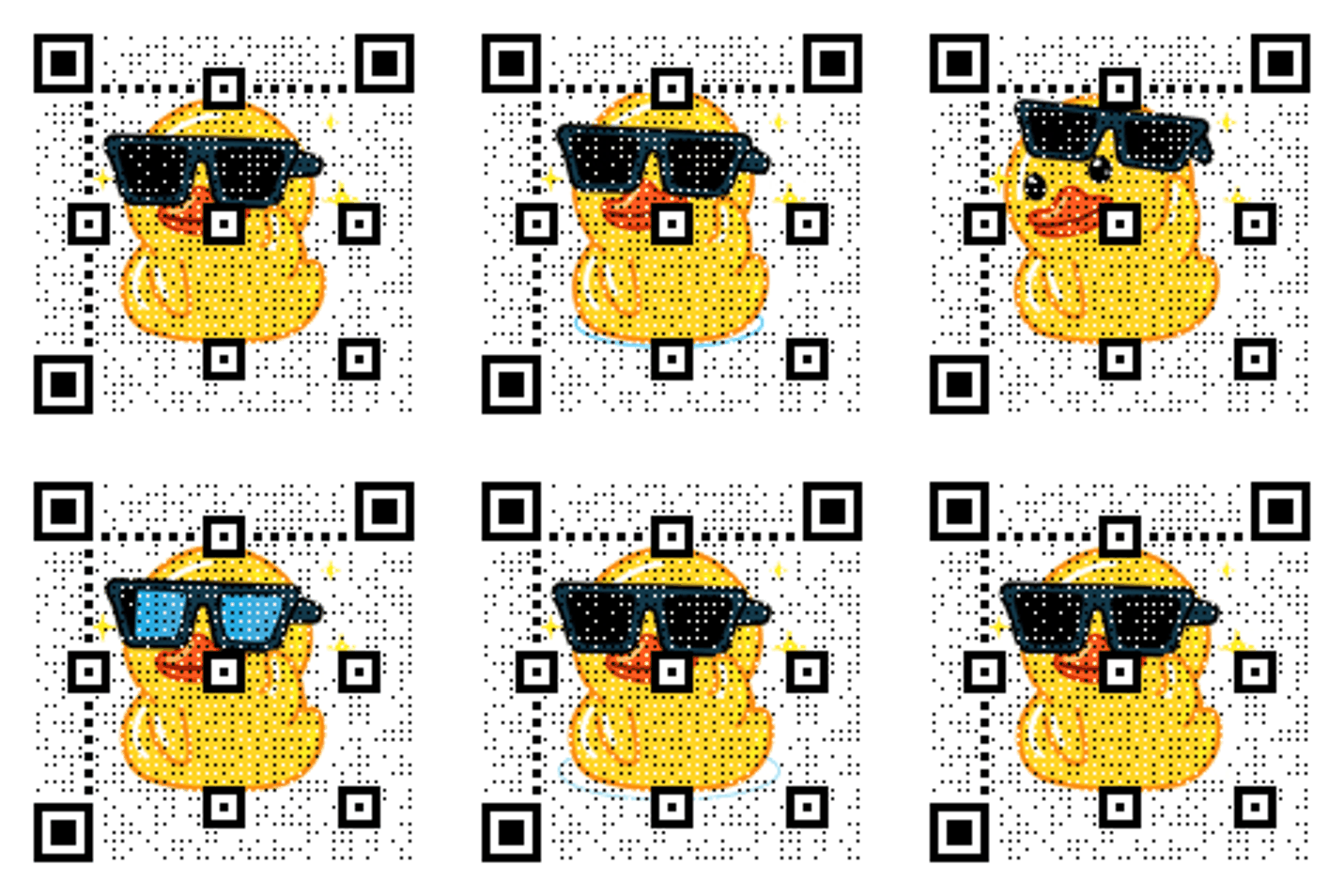
Merch moment
Animated QR for live promos.
Stream CTA copy
Copy-ready overlays that pair perfectly with animated QR codes.
Support link
Scan to support the stream
Great for donations or memberships.
Merch drop
Scan for merch
Perfect for live merch pushes.
Community invite
Scan to join the Discord
Use for community growth.
Frequently asked questions
Answers to the most common animated QR questions.
Build a GIF QR in seconds
Paste a link, pick a GIF style, and download instantly. Guest creation is enabled.
Live moments need quick actions
Viewers do not want to leave the stream. A visible QR lets them take action on a second screen without missing the moment.
Livestream overlay specs
Make it readable alongside chat, alerts, and overlays.
Livestream overlay tips
Keep the QR in a consistent spot for easy scanning. A calm loop avoids visual fatigue during long streams.
Stream QR checklist
Consistent placement on overlay scenes • CTA matches current stream segment • QR not covered by alerts
Related pages
Explore more animated QR use cases
Keep building on the screen-first strategy with related guides and templates.
Ready to launch?
Build an animated QR in minutes.