Want the same code to keep redirecting somewhere new after you print it? Try the full dynamic QR code generator →
What makes a GIF QR different
Many tools use "GIF QR" to mean a static QR that links to a GIF. Here the QR itself is animated, so it grabs attention on screens and improves scan intent. All codes are dynamic QR codes — you can edit the destination URL anytime without reprinting.
Scan focus
Built for screensAnimation loop length under 4 seconds
Quiet zone visible on all frames
CTA text is readable at a glance
QR sits away from UI overlays
Destination loads fast on mobile
GIF export specs
Keep the animation light, smooth, and easy to scan.
Choose a GIF preset
Pick a style that matches the brand or campaign.
Preview at final size
Resize the preview to match the screen placement.
Export for screens
Use GIF for screens and PNG for print.
File size
Under 6MB
Smaller files load faster on web.
Frame rate
8-12 fps
Higher rates can hurt scan stability.
Loop length
1.5-2s
Short loops feel lively without flashing.
Color count
2-4 colors
Simple palettes keep edges crisp.
GIF QR best practices
Make every frame scan-friendly with these tactical tips.
Pick a calm loop
Short loops with minimal flicker keep scan reliability high.
Use contrast-heavy frames
Dark modules on light backgrounds still scan fastest.
Keep the code centered
Avoid cropping or shifting the QR edges between frames.
Add a backup short URL
A tiny URL below the QR gives viewers a second path.
Preview on a phone
Scan from the exact screen size you will publish.
QR examples
Preview a few styles that work well on screens and social overlays.

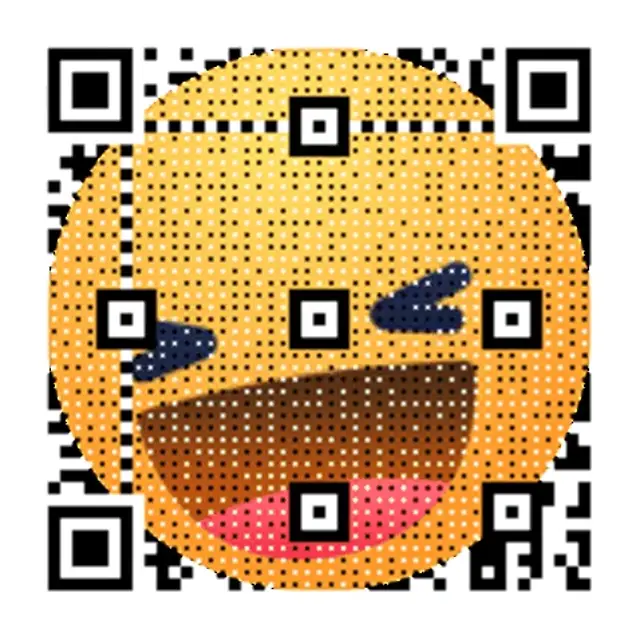
Retro Wave Launch
Soft neon gradient built for video overlays.
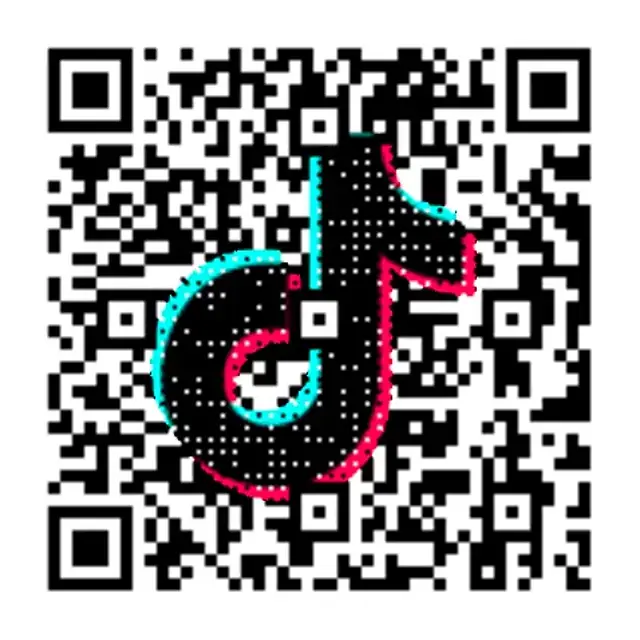
Neon Grid Promo
High-contrast grid that reads cleanly on screens.
Studio Light
Soft animation for product reels.
GIF QR overlay templates
Copy-ready overlays that pair perfectly with animated QR codes.
Instant follow
Scan to follow for the drop
Ideal for creator clips and stories.
Product reveal
Scan to see it in action
Use for launch teasers and previews.
Event RSVP
Scan to reserve your seat
Perfect for event promos on screens.
Frequently asked questions
Answers to the most common animated QR questions.
What is a GIF QR code?
A GIF QR code is a QR code where the code itself is animated — not just the destination link. Unlike static QR codes, the pattern moves with a looping GIF animation, making it far more eye-catching on screens, video overlays, and digital signage.
Can I convert a GIF into a QR code?
Yes. On qrcode.ing you can paste any URL and wrap it in a GIF-animated QR code skin. The QR still links to your destination — the GIF is the visual style of the code itself, not the content it links to.
What file size should a GIF QR code be?
Keep your GIF QR under 6MB for fast loading on the web. Use 8–12 fps, a 1.5–2 second loop, and limit to 2–4 colors. Smaller, simpler animations scan more reliably and load faster across devices.
Do GIF QR codes work on all phones?
Yes. GIF QR codes scan on all modern smartphones using the built-in camera or any QR scanner app. The animation is visible while scanning and the code reads just as reliably as a static QR when designed with proper contrast and quiet zone.
Where can I use a GIF QR code?
GIF QR codes are ideal for digital screens — video overlays, TikTok and Instagram stories, livestreams, digital signage, and presentations. For print use cases like business cards or posters, download the static PNG or SVG version instead.
Related pages
Explore more animated QR use cases
Keep building on the screen-first strategy with related guides and templates.
Ready to launch?
Build an animated QR in minutes.