Why YouTube overlays perform
YouTube viewers are already engaged. A clean animated QR near the end of the video gives them a fast path to the next step without leaving the screen.
Scan focus
Built for screensPlacement in lower left or center
Visible for at least 8 seconds
CTA aligned with video goal
Contrast survives compression
Mobile scan test complete
YouTube end-screen specs
Optimize for end screens and full-screen playback.
Reserve end screen space
Leave room so cards do not cover the QR.
Add a short CTA
Use copy like "Scan for the bonus clip".
Test in full screen
Scan from a phone while the video plays.
Size
280-360px
Scale up for 4K content.
Safe zone
120px from edges
Avoid end screen UI.
On-screen time
8-12 seconds
End screen is the best scan window.
CTA text
24-32px
Readable on phones in full screen.
YouTube placement tips
Make every frame scan-friendly with these tactical tips.
Use end screens
Show the QR during the final 10 to 15 seconds.
Avoid the right-side UI
Keep clear of YouTube end cards and buttons.
Add a short CTA line
"Scan to shop" or "Scan for the full guide" works well.
Keep animation slow
Smooth loops keep scans stable on video playback.
Test on a phone
Scan from a real device at normal viewing distance.
QR examples
Preview a few styles that work well on screens and social overlays.
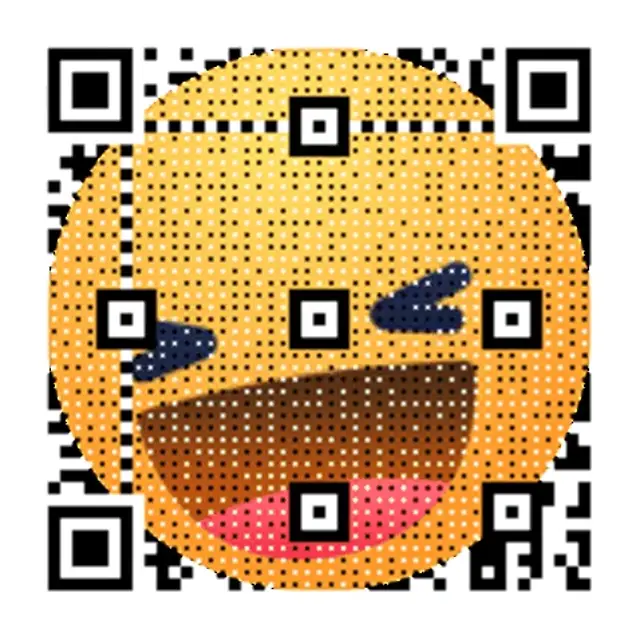
End screen focus
Large QR for final CTA.

Retro Wave Launch
Soft neon gradient built for video overlays.
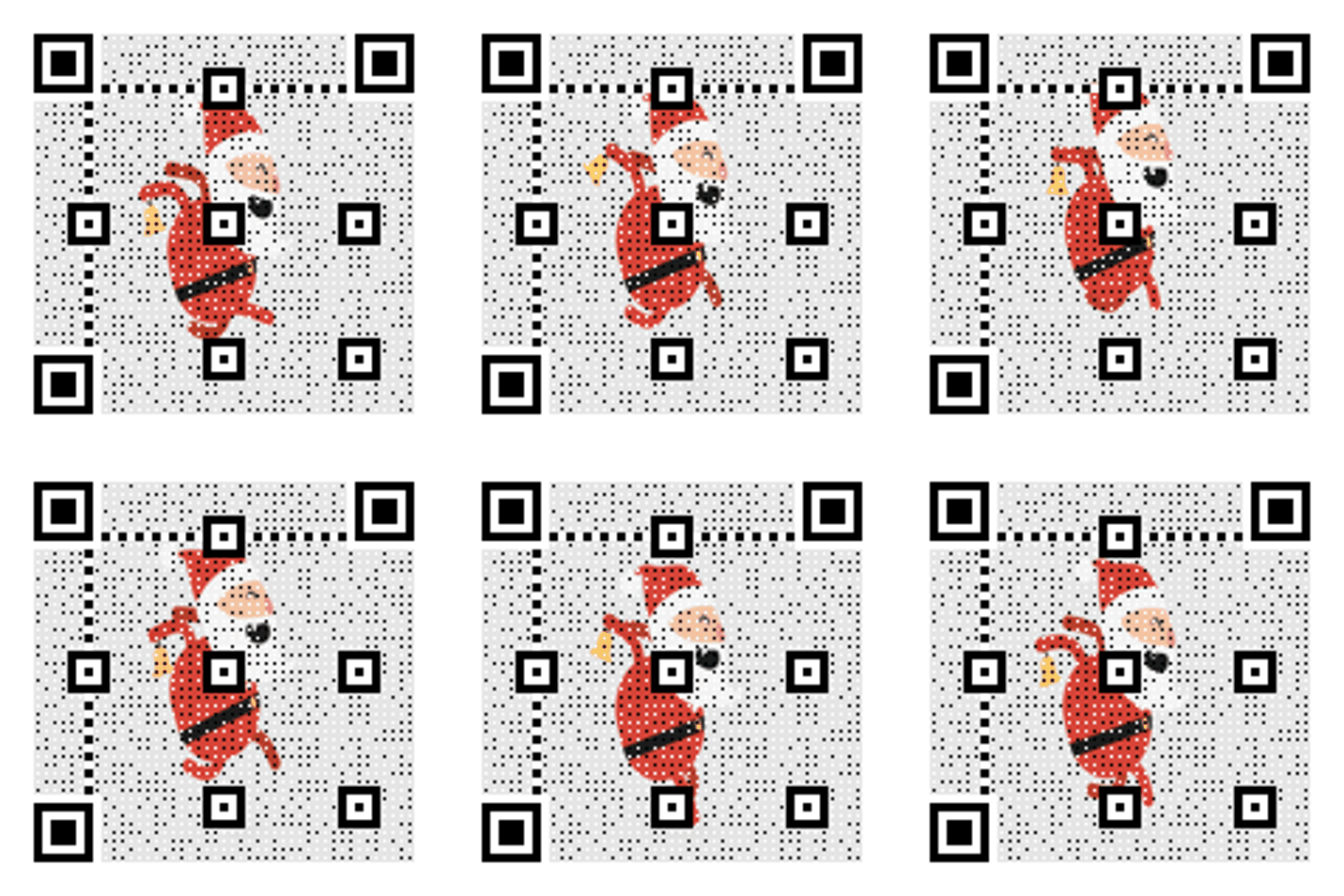
Feature highlight
Overlay for product walkthroughs.
YouTube overlay copy
Copy-ready overlays that pair perfectly with animated QR codes.
Shop link
Scan to shop the drop
Great for product videos and reviews.
Subscribe flow
Scan to join the channel list
Use with newsletters or linkpages.
Watch next
Scan for the next episode
Send viewers to a follow-up video.
Frequently asked questions
Answers to the most common animated QR questions.
Build a GIF QR in seconds
Paste a link, pick a GIF style, and download instantly. Guest creation is enabled.
Why YouTube overlays perform
YouTube viewers are already engaged. A clean animated QR near the end of the video gives them a fast path to the next step without leaving the screen.
YouTube end-screen specs
Optimize for end screens and full-screen playback.
YouTube placement tips
Show the QR during the final 10 to 15 seconds. Keep clear of YouTube end cards and buttons.
YouTube QR checklist
Placement in lower left or center • Visible for at least 8 seconds • CTA aligned with video goal
Related pages
Explore more animated QR use cases
Keep building on the screen-first strategy with related guides and templates.
Ready to launch?
Build an animated QR in minutes.