Stories move fast
Stories are short, so the QR must be obvious and easy to scan. Animation helps it stand out without using more space.
Scan focus
Built for screensPlaced mid-screen for thumb reach
CTA visible for full story duration
Contrast test on light and dark screens
Link opens cleanly on mobile
Previewed before publish
Instagram Story specs
Keep it inside the Story safe zones so the UI never covers it.
Use a still background
Busy video makes scanning harder on Stories.
Add a short CTA sticker
Keep it to 3-5 words so it stays readable.
Test on iOS and Android
UI elements differ between devices.
Size
280-360px
For 1080x1920 stories.
Safe zone
250px top/bottom
Avoid UI and reply bar.
On-screen time
4-6 seconds
Longer if you pause the story.
Placement
Center-lower third
Leaves room for stickers and text.
Story placement tips
Make every frame scan-friendly with these tactical tips.
Avoid top and bottom UI
Keep clear of the header and reply bar areas.
Aim for 220px+
Use at least 220px width in a 1080x1920 frame.
Add a short CTA sticker
A simple "Scan for the link" improves intent.
Use a soft card
Place the QR on a light card if the background is busy.
Keep motion gentle
Smooth loops scan better than fast flicker.
QR examples
Preview a few styles that work well on screens and social overlays.
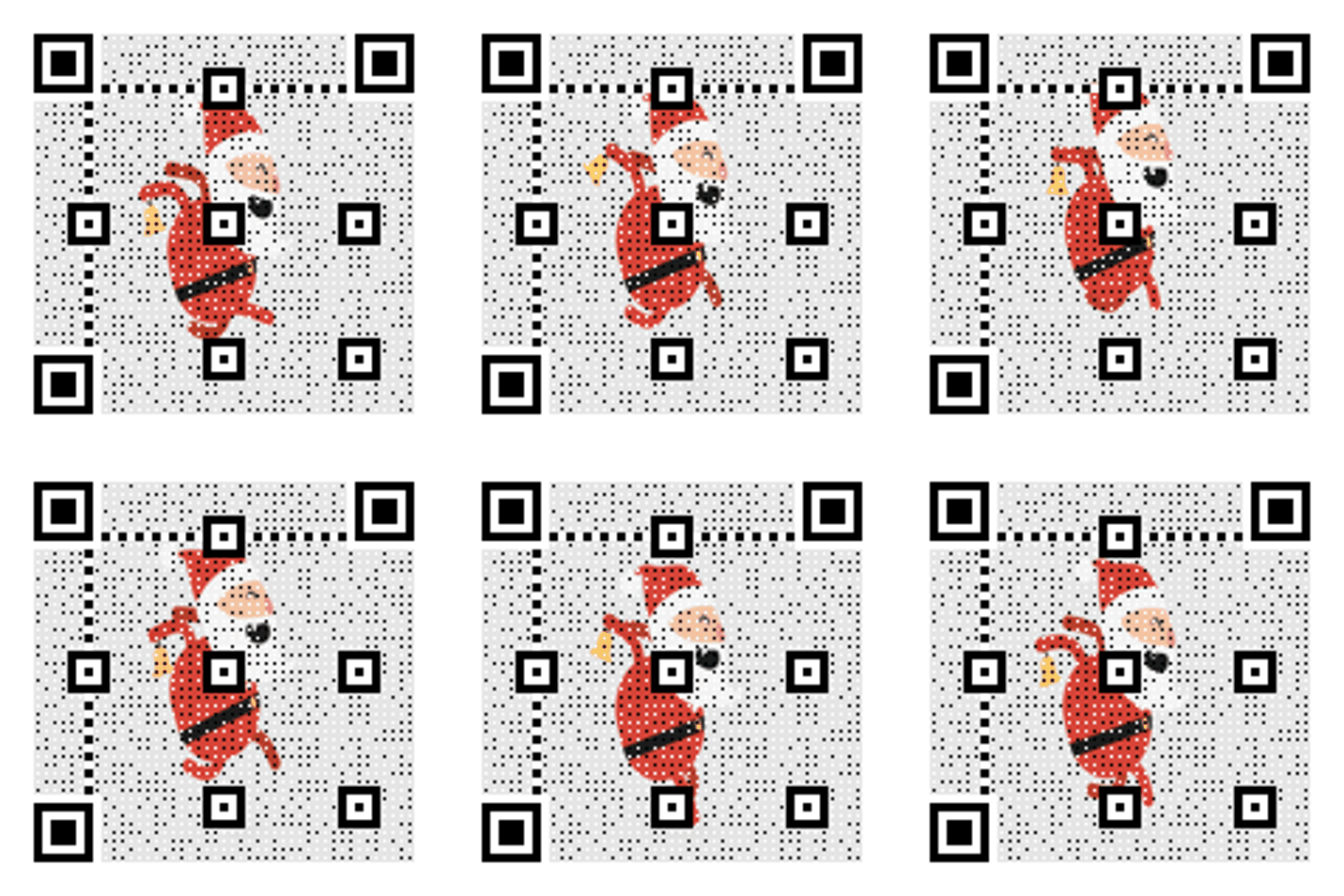
Story CTA
Bright QR for swipe-stopping Stories.

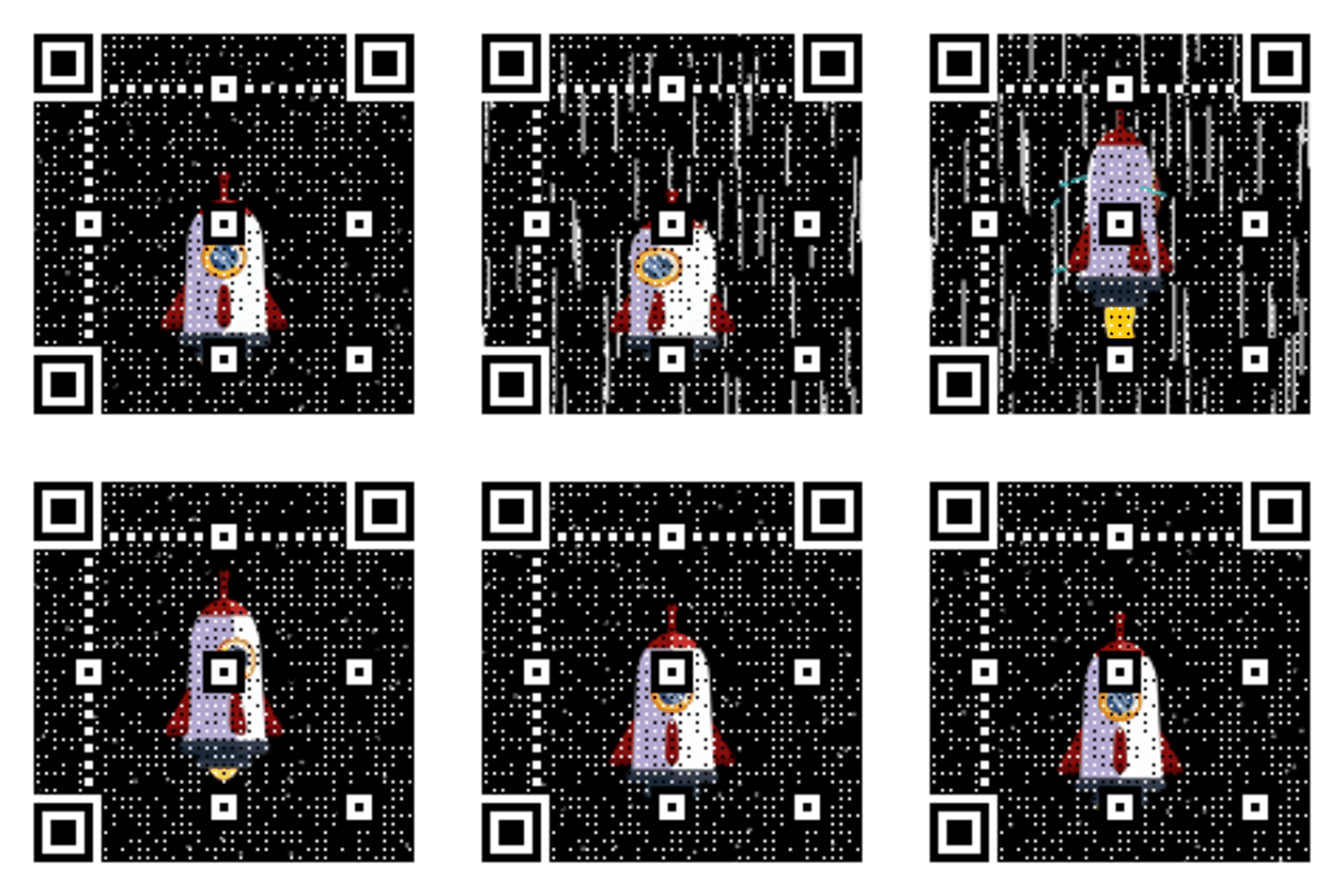
Neon Grid Promo
High-contrast grid that reads cleanly on screens.
Event invite
Clear QR on a light card.
Story CTA copy
Copy-ready overlays that pair perfectly with animated QR codes.
Link in scan
Scan to open the link
Simple and clear for casual viewers.
Drop alert
Scan to get the drop
Great for product releases.
Event invite
Scan to RSVP tonight
Perfect for live events and meetups.
Frequently asked questions
Answers to the most common animated QR questions.
Build a GIF QR in seconds
Paste a link, pick a GIF style, and download instantly. Guest creation is enabled.
Stories move fast
Stories are short, so the QR must be obvious and easy to scan. Animation helps it stand out without using more space.
Instagram Story specs
Keep it inside the Story safe zones so the UI never covers it.
Story placement tips
Keep clear of the header and reply bar areas. Use at least 220px width in a 1080x1920 frame.
Story QR checklist
Placed mid-screen for thumb reach • CTA visible for full story duration • Contrast test on light and dark screens
Related pages
Explore more animated QR use cases
Keep building on the screen-first strategy with related guides and templates.
Ready to launch?
Build an animated QR in minutes.