TV is a second-screen moment
Viewers often have a phone nearby. A large, animated QR gives them an instant path to shop, watch, or learn more.
Scan focus
Built for screensPlaced inside title-safe area
Minimum 280px size at 1080p
CTA visible for the full duration
Contrast tested on a TV screen
Short link verified on mobile
TV placement specs
Designed for couch distance and broadcast safe zones.
Avoid captions and bugs
Leave room for lower thirds and logos.
Use subtle motion
Gentle animation keeps scans stable.
Test at real distance
Scan from the couch to confirm.
Size
360-520px
For 1080p broadcasts.
Safe zone
5% from edges
Stay inside broadcast safe.
On-screen time
8-12 seconds
Longer for older TVs.
Loop length
2-3s
Smooth motion, easy scan.
TV overlay tips
Make every frame scan-friendly with these tactical tips.
Respect the safe area
Keep the QR inside the title-safe region.
Go bigger than you think
TV viewing distance needs larger QR sizes.
Hold it longer
Aim for 6 to 10 seconds of on-screen time.
Reduce background motion
Place the QR over a calm area of the frame.
Plan for compression
Strong contrast helps the QR survive broadcast compression.
QR examples
Preview a few styles that work well on screens and social overlays.
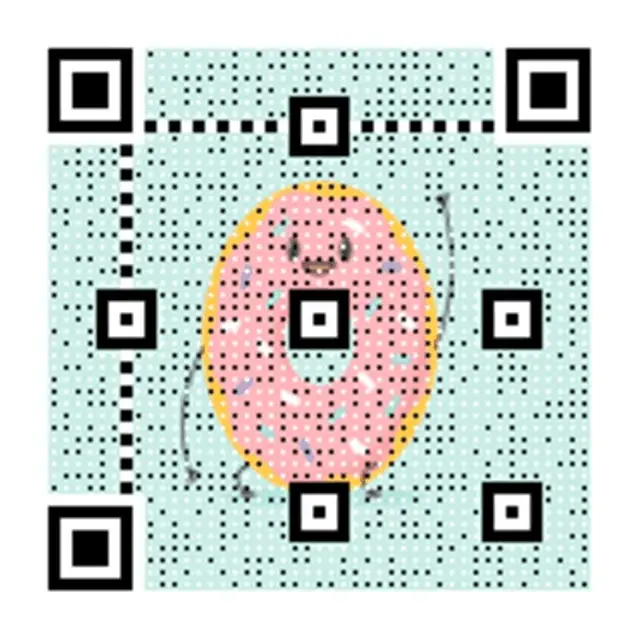
Broadcast promo
Large QR for TV viewing distance.
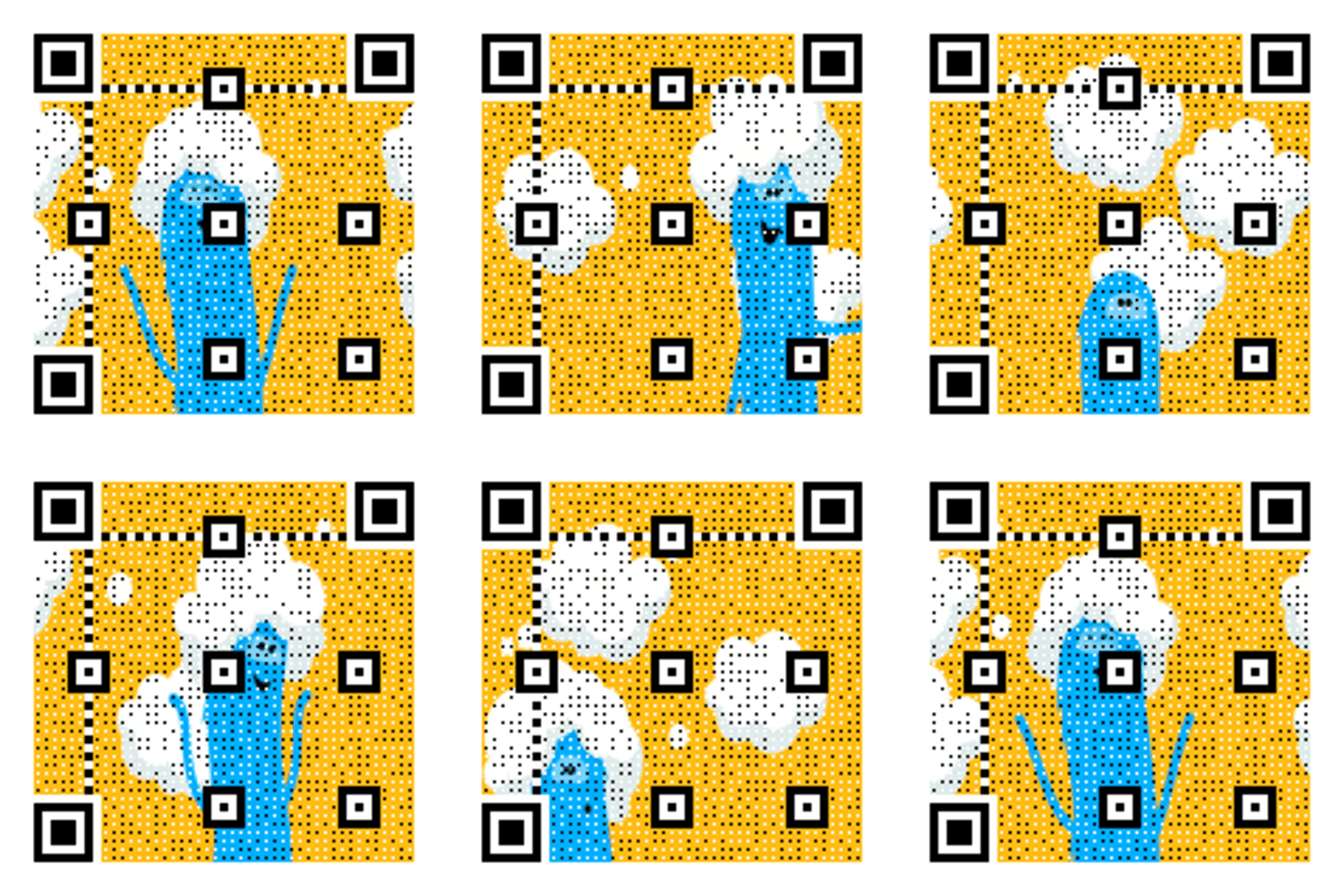
Streaming ad
High-contrast QR for OTT placements.
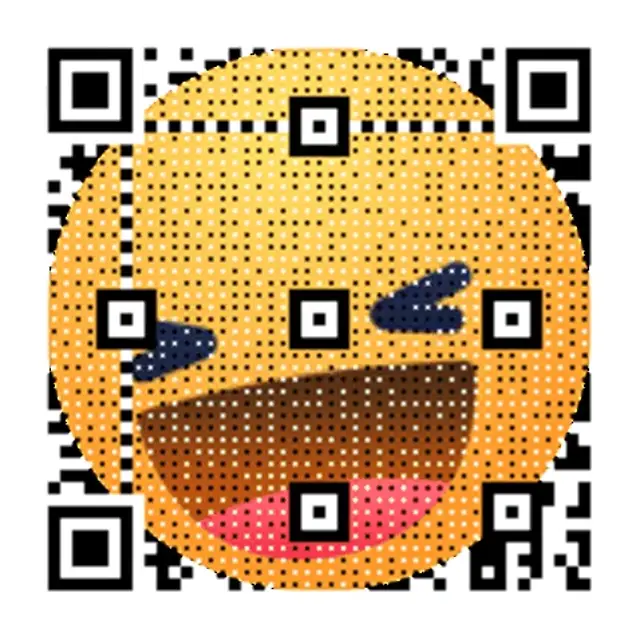
Neon Grid Promo
High-contrast grid that reads cleanly on screens.
TV CTA copy
Copy-ready overlays that pair perfectly with animated QR codes.
Shop now
Scan to shop the offer
Great for direct-response ads.
Trailer drop
Scan to watch the trailer
Perfect for entertainment promos.
Limited deal
Scan for the limited deal
Use for time-sensitive offers.
Frequently asked questions
Answers to the most common animated QR questions.
Build a GIF QR in seconds
Paste a link, pick a GIF style, and download instantly. Guest creation is enabled.
TV is a second-screen moment
Viewers often have a phone nearby. A large, animated QR gives them an instant path to shop, watch, or learn more.
TV placement specs
Designed for couch distance and broadcast safe zones.
TV overlay tips
Keep the QR inside the title-safe region. TV viewing distance needs larger QR sizes.
TV QR checklist
Placed inside title-safe area • Minimum 280px size at 1080p • CTA visible for the full duration
Related pages
Explore more animated QR use cases
Keep building on the screen-first strategy with related guides and templates.
Ready to launch?
Build an animated QR in minutes.