Webinars are multi-device moments
Most attendees already have a phone nearby. A QR gives them a quick action path without breaking the presentation flow.
Scan focus
Built for screensVisible on the first and last slide
CTA text included
Sized for 1080p share
Contrast tested on screen share
Replay link updated after the event
Webinar overlay specs
Great for slides, breaks, and Q&A moments.
Show during agenda or break
Use slower moments when viewers can scan.
Mention the CTA
Say what the scan unlocks or where it goes.
Repeat on closing slide
Give one last chance before the webinar ends.
Size
260-340px
Readable in browser windows.
On-screen time
12-20 seconds
Repeat near the end.
Placement
Right-lower third
Avoid speaker video tiles.
CTA text
20-28px
Readable in small players.
Webinar scan tips
Make every frame scan-friendly with these tactical tips.
Show it early and late
Display the QR during the intro and again near the close.
Use a stable card
Place the QR on a solid background to keep scans crisp.
Mention it out loud
A verbal CTA increases scan intent.
Keep it on screen
Hold the QR for at least 8 seconds when sharing slides.
Update for replay
Swap the link after the session without changing the QR.
QR examples
Preview a few styles that work well on screens and social overlays.
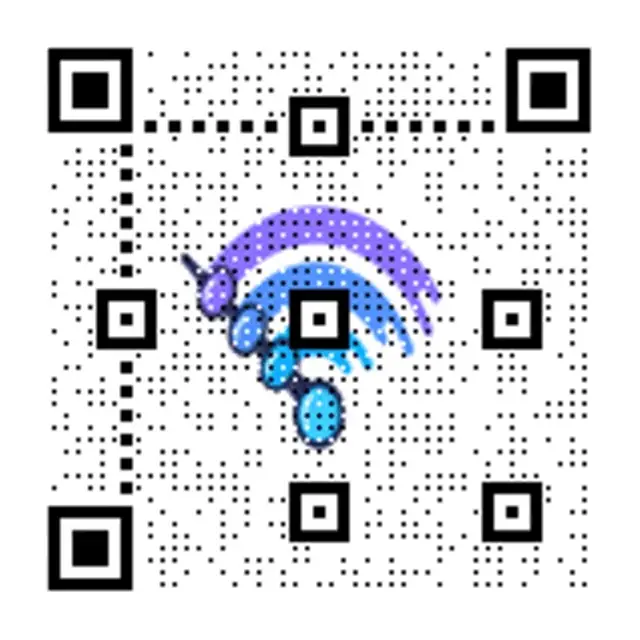
Live session CTA
Clean QR for shared slides.

Replay prompt
High contrast for screen share.
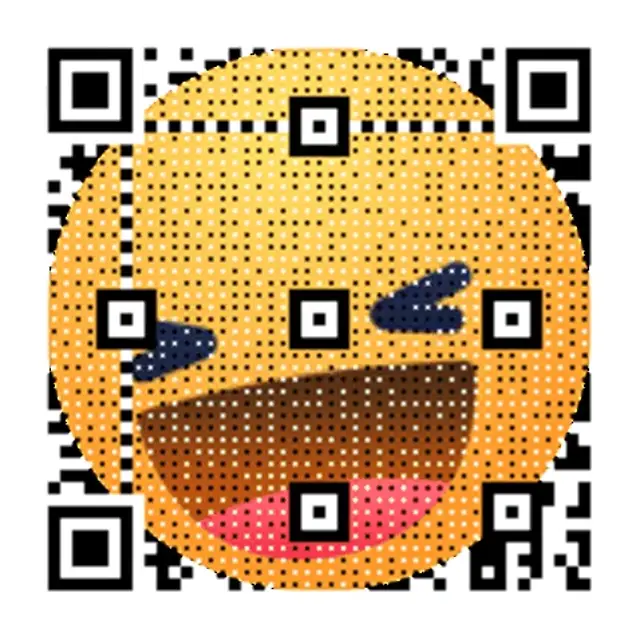
Neon Grid Promo
High-contrast grid that reads cleanly on screens.
Webinar CTA copy
Copy-ready overlays that pair perfectly with animated QR codes.
Replay access
Scan to watch the replay
Perfect after the live session ends.
Slide download
Scan for the slides
Offer the deck without extra emails.
Next step
Scan to join the waitlist
Capture intent while interest is high.
Frequently asked questions
Answers to the most common animated QR questions.
Build a GIF QR in seconds
Paste a link, pick a GIF style, and download instantly. Guest creation is enabled.
Webinars are multi-device moments
Most attendees already have a phone nearby. A QR gives them a quick action path without breaking the presentation flow.
Webinar overlay specs
Great for slides, breaks, and Q&A moments.
Webinar scan tips
Display the QR during the intro and again near the close. Place the QR on a solid background to keep scans crisp.
Webinar QR checklist
Visible on the first and last slide • CTA text included • Sized for 1080p share
Related pages
Explore more animated QR use cases
Keep building on the screen-first strategy with related guides and templates.
Ready to launch?
Build an animated QR in minutes.