Free Dynamic QR Code Generator
Dynamic by default
Free scan tracking

Dynamic QR Code Generator

Generate a free dynamic QR code in seconds. Edit the destination URL anytime without reprinting, track every scan with real-time analytics, and download as an animated GIF or static PNG. On qrcode.ing, every QR code is dynamic by default — no expiry, no watermarks, no credit card needed.

Edit the destination URL anytime — no reprinting needed
Real-time scan tracking with location and device data
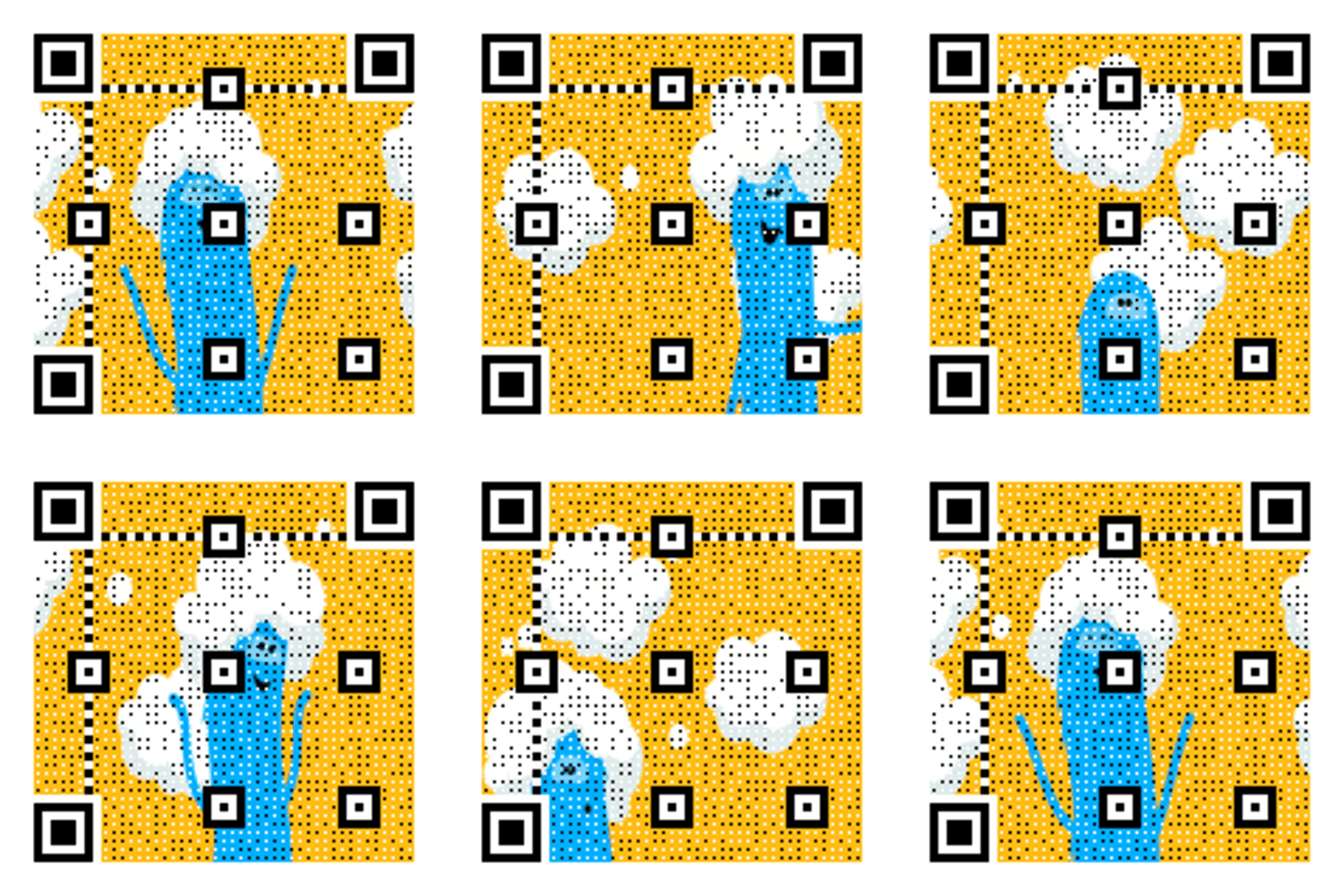
Animated GIF or static PNG — free forever
Printing a GIF QR freezes the animation. Use GIFs for screens and download SVG or PNG for print.

Generate your dynamic QR code

Paste a URL and get a dynamic QR code instantly. Edit the destination anytime — no reprinting needed.

What is a dynamic QR code

What is a dynamic QR code? Every qrcode.ing QR is dynamic — free.

A dynamic QR code stores a short redirect URL instead of the final destination, so you can edit where it points at any time without reprinting. Unlike static QR codes, dynamic QR codes support scan tracking, real-time analytics, and unlimited URL updates. When someone scans a dynamic QR code, the redirect resolves in under 300ms — indistinguishable from a direct link. On qrcode.ing, every QR code you generate is dynamic by default — no paid upgrade required, no expiry date, and no watermarks. You can also create animated GIF versions of your dynamic QR codes: the QR pattern itself animates as a looping GIF, making it stand out on digital screens, social media, and video overlays. For print, download the static SVG or PNG — the dynamic redirect and tracking work regardless of format.

Launch checklist

Dynamic by default
1

Destination URL tested on mobile

2

UTM parameters added for attribution

3

QR code scan-tested before printing

4

Analytics dashboard bookmarked

5

Update schedule documented

Setup guide

How to create a dynamic QR code

Generate a free dynamic QR code in 3 steps — no account required to start.

1

Generate your dynamic QR code

Enter a URL and create your free dynamic QR code in seconds. Choose a static PNG, SVG, or animated GIF format.

2

Print, share, or embed it

Use your dynamic QR code on printed materials, product packaging, screens, or social media. Animated GIFs work best on screens.

3

Edit the destination and track scans

Log in to update the destination URL at any time — no reprinting needed. Check real-time scan analytics including device type, location, and scan count.

Redirect speed

<300ms

Instant redirects for a smooth user experience.

URL updates

Unlimited

Change destinations as often as you need.

Analytics

Real-time

See scan counts, location, and device data.

Expiry

Never

Your dynamic QR codes work forever.

Tips

Dynamic QR code tips

Get more value from your dynamic QR codes with these proven strategies.

Update links for seasonal campaigns

Change destination URLs for holidays, sales, or new product launches without reprinting. Your dynamic QR code stays the same — only the destination changes.

Use animated GIFs for screen placements

When your dynamic QR code appears on a screen — in video, digital signage, or social media — use the animated GIF version. The motion in the QR pattern attracts more attention than a static code.

Use UTM parameters

Add UTM tags to destination URLs to measure traffic source in Google Analytics. Dynamic QR codes make it easy to update UTM parameters without changing the printed code.

Monitor scan performance

Check analytics weekly to see which placements drive the most scans. Use scan data to identify which printed materials, screens, or campaigns perform best.

Pause campaigns when needed

Redirect to a holding page instead of deleting the dynamic QR code — it retains its complete scan history. Reactivate campaigns by updating the destination URL anytime.

Examples

Dynamic QR code use cases

Real examples where editable, trackable QR codes save time and money.

Restaurant menu

Restaurant menu

Update menu URLs seasonally without reprinting QR cards.

Promotional campaign

Promotional campaign

Swap offer destinations daily without new QR codes.

Product packaging

Product packaging

Keep product pages fresh without changing packaging.

Templates

Ready-to-use QR copy

Copy-ready text overlays designed for dynamic QR code campaigns.

Menu update

Scan for our latest menu

Update seasonal menus without reprinting every table card.

Promotional offer

Scan to see today's offer

Change the linked offer daily or weekly without a new QR code.

Event information

Scan for event details and updates

Update schedules, locations, or speakers in real time.

FAQ

Dynamic QR code frequently asked questions

Everything you need to know about creating, editing, and tracking dynamic QR codes.

What is a dynamic QR code?

A dynamic QR code stores a short redirect URL instead of the final destination. This lets you change where the QR code points — the destination URL — at any time without reprinting the code. Dynamic QR codes also support real-time scan tracking and analytics, which static QR codes cannot do.

How do dynamic QR codes work?

When someone scans a dynamic QR code, their device reads a short redirect URL encoded in the QR pattern. That redirect URL forwards them instantly to your chosen destination. Because the redirect is software-controlled, you can update the destination at any time. Every scan is logged — including device type, location, and timestamp — so you can track performance.

Why should I use a dynamic QR code instead of a static one?

Dynamic QR codes give you three advantages over static codes. First, you can change the destination URL after printing — useful for campaigns, menus, and packaging with long shelf lives. Second, dynamic QR codes track every scan with real-time analytics. Third, dynamic QR codes can be downloaded as animated GIFs for screen use, making them more eye-catching on digital displays.

Are dynamic QR codes free on qrcode.ing?

Yes. All QR codes on qrcode.ing are dynamic by default — there is no additional charge for dynamic functionality. You can edit the destination URL and view basic scan analytics at no cost. Advanced analytics features and more QR codes are available on paid plans.

What is the difference between static and dynamic QR codes?

A static QR code encodes the destination URL directly into the QR pattern. Once printed, the destination cannot be changed. A dynamic QR code encodes a short redirect URL instead. You can update the destination anytime in your dashboard. Dynamic QR codes also support scan tracking and can be exported as animated GIFs; static codes cannot.

Do dynamic QR codes expire?

Dynamic QR codes on qrcode.ing do not expire. Your QR codes continue to redirect and track scans indefinitely on the free plan. You can pause redirects or change the destination at any time, but the QR code itself stays active.

Can I track who scans my dynamic QR code?

You can track scan counts, the approximate location of each scan (country and city level), the device type used (iOS, Android, desktop), and the time of each scan. qrcode.ing does not identify individual users by name for privacy reasons.

How many times can I change a dynamic QR code's destination?

There is no limit. You can update the destination URL of your dynamic QR code as many times as you need. Changes take effect immediately — the next person to scan will be redirected to the new URL. This makes dynamic QR codes ideal for rotating campaigns, seasonal menus, event programs, and A/B testing.

Can I create an animated dynamic QR code?

Yes. Every QR code on qrcode.ing is dynamic by default, and you can download any QR code as an animated GIF. The QR pattern itself animates as a looping GIF — not just the destination content. The animated GIF version works on digital screens, social media, and video. For print, download the static SVG or PNG version — the dynamic redirect and tracking work regardless of format.

What are the best use cases for dynamic QR codes?

Dynamic QR codes work best when the destination needs to change after printing, or when scan tracking matters. Common use cases include restaurant menus (update seasonally), business cards (point to a current portfolio), event signage (update schedules in real time), retail packaging (link to product pages that change), and marketing campaigns (swap destinations for A/B tests or seasonal offers).

Related pages

More QR code tools and guides

Explore scan tracking, animated QR codes, analytics dashboards, and generator comparisons.

Ready to get started?

Create your free dynamic QR code now.

Create free dynamic QR