Animation can still scan perfectly
The key is to keep the QR structure stable and high contrast across frames. These best practices help you avoid scan failures.
Scan focus
Built for screensQuiet zone visible on all frames
High contrast foreground and background
Animation loop under 4 seconds
Minimum size set for screen distance
Scan tested on iOS and Android
Scanability specs
These are the knobs that matter most to scan success.
Keep motion subtle
Smooth loops scan better than flashing effects.
Avoid busy backgrounds
High contrast edges are the priority.
Test multiple devices
Different cameras react differently to motion.
Quiet zone
4 modules
Keep border clear.
Module size
8-12px
At final display size.
Contrast
70%+
Dark on light.
Error correction
Medium or higher
More tolerance for motion.
Scanability tips
Make every frame scan-friendly with these tactical tips.
Protect the quiet zone
Keep a clean border around the QR on every frame.
Keep modules stable
Avoid shifting or warping the QR edges in animation.
Use high contrast
Dark modules on a light background scan fastest.
Slow the loop
Smooth animation avoids flicker and scan drops.
Size for distance
Larger QR sizes improve scan reliability.
Scan-safe examples
Use these examples to benchmark scan reliability.
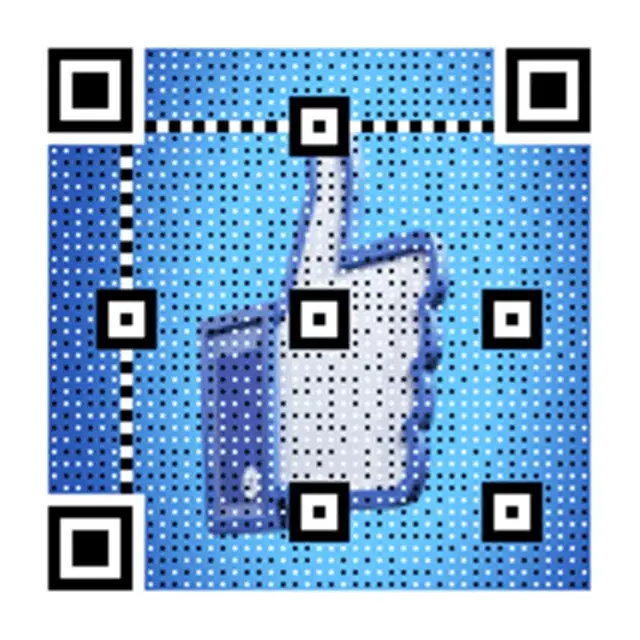
High-contrast scan
Crisp edges for reliable scanning.
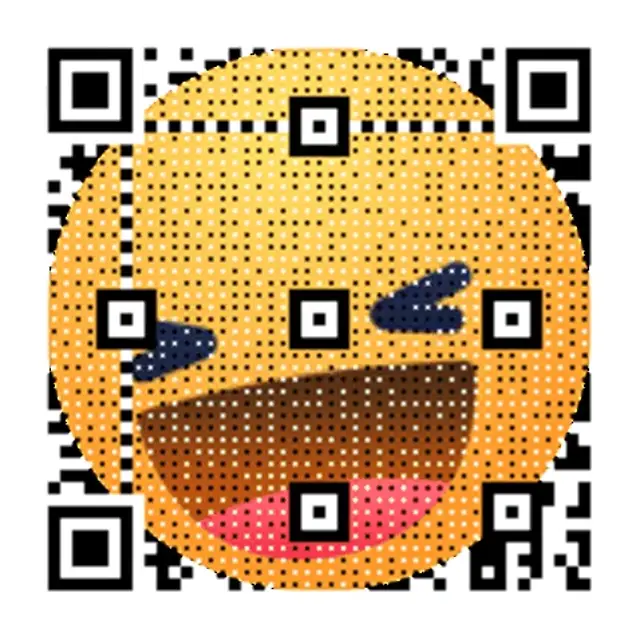
Neon Grid Promo
High-contrast grid that reads cleanly on screens.

Quiet zone focus
Ample border for lock-on.
Scan cues
Copy-ready overlays that pair perfectly with animated QR codes.
Quick cue
Scan in 2 seconds
Encourages fast action.
Safety cue
Scan now for the link
Simple and clear.
Backup cue
Scan or visit the short link below
Adds an alternate path.
Frequently asked questions
Answers to the most common animated QR questions.
Why do some animated QR codes fail to scan?
Animated QR codes fail to scan when the animation disrupts the quiet zone (the clear border around the code), reduces contrast between modules and background, or flickers too fast for the camera to lock. Keeping the QR structure stable across all frames and using smooth, high-contrast loops prevents scan failures.
What is the quiet zone rule for animated QR codes?
The quiet zone is the clear border that must surround the QR code on all sides — at least 4 modules wide. Animation must never bleed into this zone. If the background animation covers the quiet zone on any frame, cameras will struggle to detect the code boundary and scan reliability drops.
How fast should an animated QR code loop?
Use a loop duration of 1.5–4 seconds for best scan reliability. Animations faster than 1.5 seconds per cycle create flicker that phone cameras interpret as motion blur, reducing scan success rates. Smooth, predictable loops give cameras enough time to stabilize and decode the pattern.
What contrast level makes animated QR codes scan reliably?
Aim for at least 70% luminance contrast between the dark QR modules and the light background across all animation frames. Dark-on-light performs best (black modules on white or light background). If the GIF background darkens behind the modules on any frame, scan speed will drop noticeably.
What size should an animated QR code be for screens?
For 1080p screens, the minimum is 220px wide — but 260–320px is safer. Module size should be 8–12px at the final display resolution. Use Error Correction Level M or higher for animated QR codes — higher error correction adds redundancy that compensates for any motion artifacts.
Related pages
Explore more animated QR use cases
Keep building on the screen-first strategy with related guides and templates.
Ready to launch?
Build an animated QR in minutes.