Overlays are persistent CTA space
Streaming overlays stay visible for long stretches, making them ideal for QR codes. A subtle animated QR keeps attention without stealing the show.
Scan focus
Built for screensQR placement consistent across scenes
CTA text visible on screen
No overlap with alerts
Scan tested on a second device
Dynamic link updated per segment
Streaming overlay specs
Built for Twitch-style overlays and persistent CTAs.
Show during breaks
Use intermissions when attention is high.
Rotate CTA copy
Change the message to keep it fresh.
Pair with a verbal prompt
Ask viewers to scan while it is visible.
Size
260-340px
Fits common overlay grids.
Safe zone
120px from chat
Keep away from chat and alerts.
On-screen time
8-12 seconds
Cycle between segments.
Placement
Lower-left corner
Clear of right-side UI.
Overlay setup tips
Make every frame scan-friendly with these tactical tips.
Use a dedicated overlay scene
Keep the QR locked in place across all scenes.
Pair with chat callouts
Mention the QR in chat or via alerts to boost scans.
Rotate links live
Swap destinations for merch, tips, or links mid-stream.
Keep motion subtle
Slow loops prevent visual fatigue during long streams.
Avoid alert overlap
Place the QR where alerts and widgets will not cover it.
QR examples
Preview a few styles that work well on screens and social overlays.

Overlay corner QR
Small QR for persistent overlays.
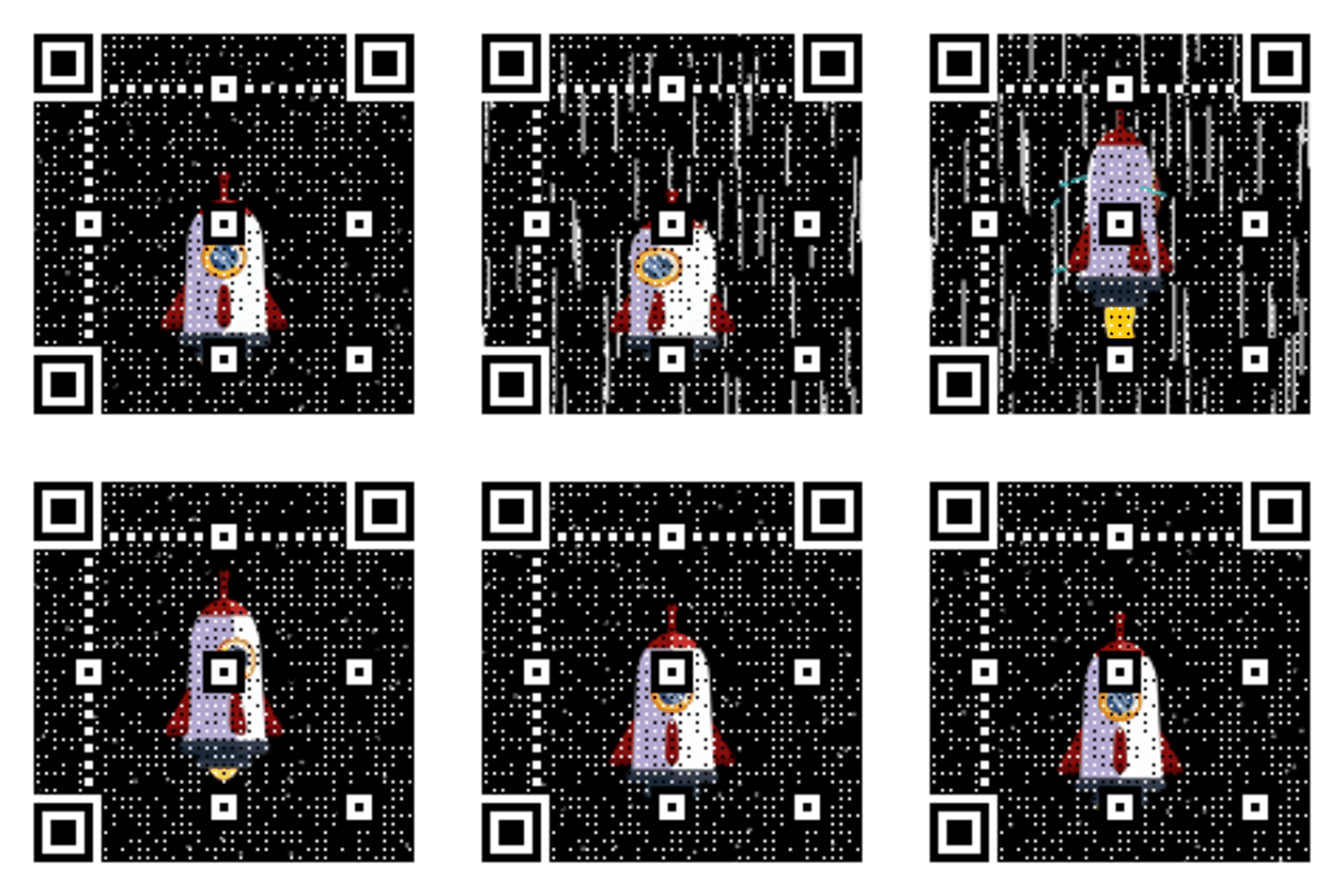
Scene transition CTA
Use during scene breaks.
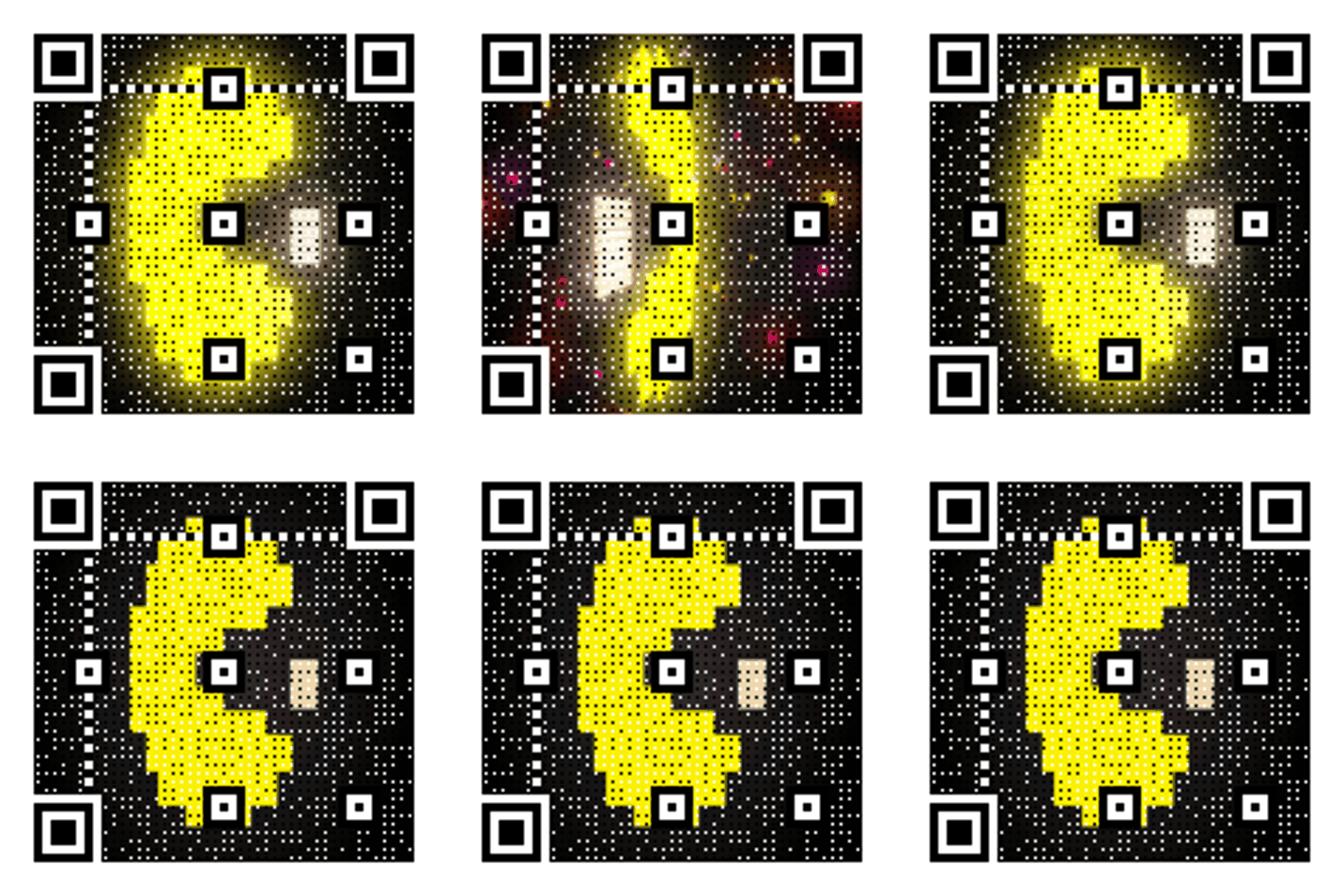
Community invite
QR for quick joins.
Streaming CTA copy
Copy-ready overlays that pair perfectly with animated QR codes.
Support link
Scan to support the stream
Ideal for tips and memberships.
Merch shop
Scan for merch
Perfect for live drops.
Schedule update
Scan for the schedule
Share upcoming streams instantly.
Frequently asked questions
Answers to the most common animated QR questions.
Build a GIF QR in seconds
Paste a link, pick a GIF style, and download instantly. Guest creation is enabled.
Overlays are persistent CTA space
Streaming overlays stay visible for long stretches, making them ideal for QR codes. A subtle animated QR keeps attention without stealing the show.
Streaming overlay specs
Built for Twitch-style overlays and persistent CTAs.
Overlay setup tips
Keep the QR locked in place across all scenes. Mention the QR in chat or via alerts to boost scans.
Streaming overlay checklist
QR placement consistent across scenes • CTA text visible on screen • No overlap with alerts
Related pages
Explore more animated QR use cases
Keep building on the screen-first strategy with related guides and templates.
Ready to launch?
Build an animated QR in minutes.